









What our customers say

Great 132 reviews

Jason Jewell Verified

“Good experience! No problems loading the software and initiating the program.”

Robert Lema Verified

“UPDATE - I activated my QB 2024 Desktop Update - since my previous post writing that I could not activate QB 2024, I spoke with a QB support person and got a sense of what was really preventing me from activating QB 2024. I thought that QB did not have a working password for my older files and so was locked out. BUT I found the password and activated the software! I had downloaded and installed the QB 2024 software, but could not activate because my Quickbooks account shows an old install of QB 2012 that is labelled as ACTIVE and I could not change the status of that label. I thought I could only have one instance of QB active. Not true. So, it's installed and activated!”

Andy Lee Verified

“Very prompt is processing orders and request, good team”

Art Wiens Verified

“Took a while to get my Canadian version activated. But finally got the help I needed and then went smoothly.”

Great See reviews

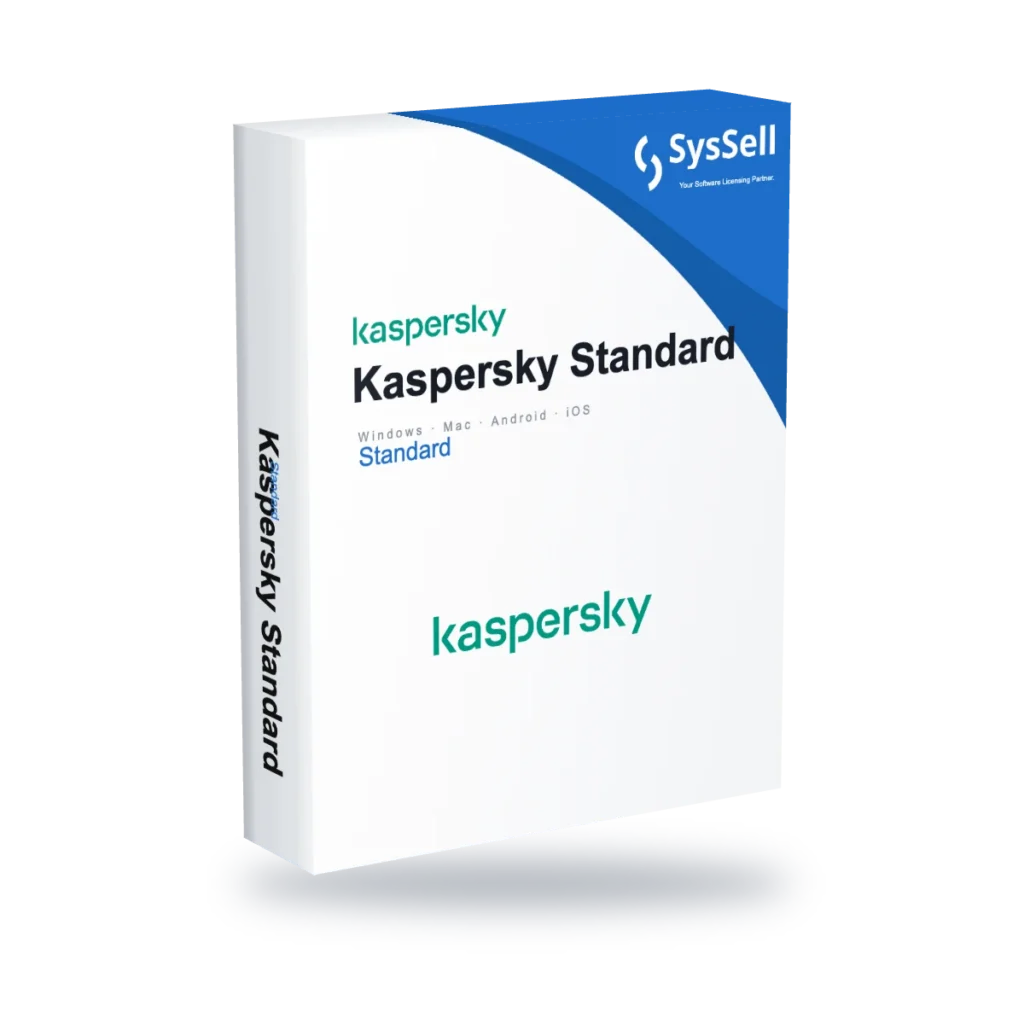
Kaspersky Standard – Windows, Mac, Android & iOS

In Stock

From $16.99

Instant digital delivery — your key is emailed in minutes, no physical shipping.

  • Delivered in seconds
  • Free expert support
  • Money-back guarantee

Secure payment

  • Visa
  • Mastercard
  • American Express
  • Diners Club
  • Discover
  • Stripe

Description

Everyday security that stays out of your way

Kaspersky Standard is the essential tier of Kaspersky’s home security range. It blocks viruses, ransomware, spyware and other malware in real time, warns you about dangerous websites and phishing links, and keeps your devices running smoothly — all from one subscription you can spread across Windows, macOS, Android and iOS.

What’s included

  • Real-time antivirus — scans files, downloads and apps as you use them and stops threats before they run.
  • Ransomware and exploit protection — detects suspicious behaviour and rolls back malicious changes.
  • Safe browsing and anti-phishing — flags fake shops, scam pages and malicious links in your browser and email.
  • Online payment protection — opens banking and shopping sites in a protected mode on Windows.
  • Firewall — monitors network traffic on Windows to block unwanted connections.
  • Performance tools — clears unneeded files, speeds up start-up and switches to a quiet mode while you game or watch films.

Choose your plan

Pick how many devices you want to protect (1, 3 or 5) and for how long (1 or 2 years). You can mix platforms freely — for example a Windows laptop, a MacBook and an Android phone on a 3-device plan.

Region

Keys are region-locked. Choose EU if you will activate in the European Union, or USA if you will activate in the United States. A key must be activated in the region it was issued for.

How activation works

  1. After checkout, your licence key is emailed to you and shown in your account.
  2. Download Kaspersky Standard from the official Kaspersky website or your device’s app store.
  3. Sign in to (or create) your free My Kaspersky account and enter the key when prompted.
  4. Your subscription starts from the day you activate. Add more devices later from My Kaspersky.
Additional information

Devices

1 Device, 3 Devices, 5 Devices

Duration

1 Year, 2 Years

Region

EU, USA

System Requirements

  • Windows: Windows 10 or 11 (latest updates recommended), 2 GB RAM, 1.5 GB free disk space
  • macOS: a currently supported version of macOS
  • Android: a currently supported version of Android
  • iOS / iPadOS: a currently supported version of iOS
  • Internet connection for activation and updates
  • A free My Kaspersky account

Check compatibility

Ensure your system meets the requirements before purchasing.

How delivery works

Instant delivery via email with full instructions.

Frequently asked questions

Have questions? Read our FAQ for quick answers.