









What our customers say

Great 132 reviews

Jason Jewell Verified

“Good experience! No problems loading the software and initiating the program.”

Robert Lema Verified

“UPDATE - I activated my QB 2024 Desktop Update - since my previous post writing that I could not activate QB 2024, I spoke with a QB support person and got a sense of what was really preventing me from activating QB 2024. I thought that QB did not have a working password for my older files and so was locked out. BUT I found the password and activated the software! I had downloaded and installed the QB 2024 software, but could not activate because my Quickbooks account shows an old install of QB 2012 that is labelled as ACTIVE and I could not change the status of that label. I thought I could only have one instance of QB active. Not true. So, it's installed and activated!”

Andy Lee Verified

“Very prompt is processing orders and request, good team”

Art Wiens Verified

“Took a while to get my Canadian version activated. But finally got the help I needed and then went smoothly.”

Great See reviews

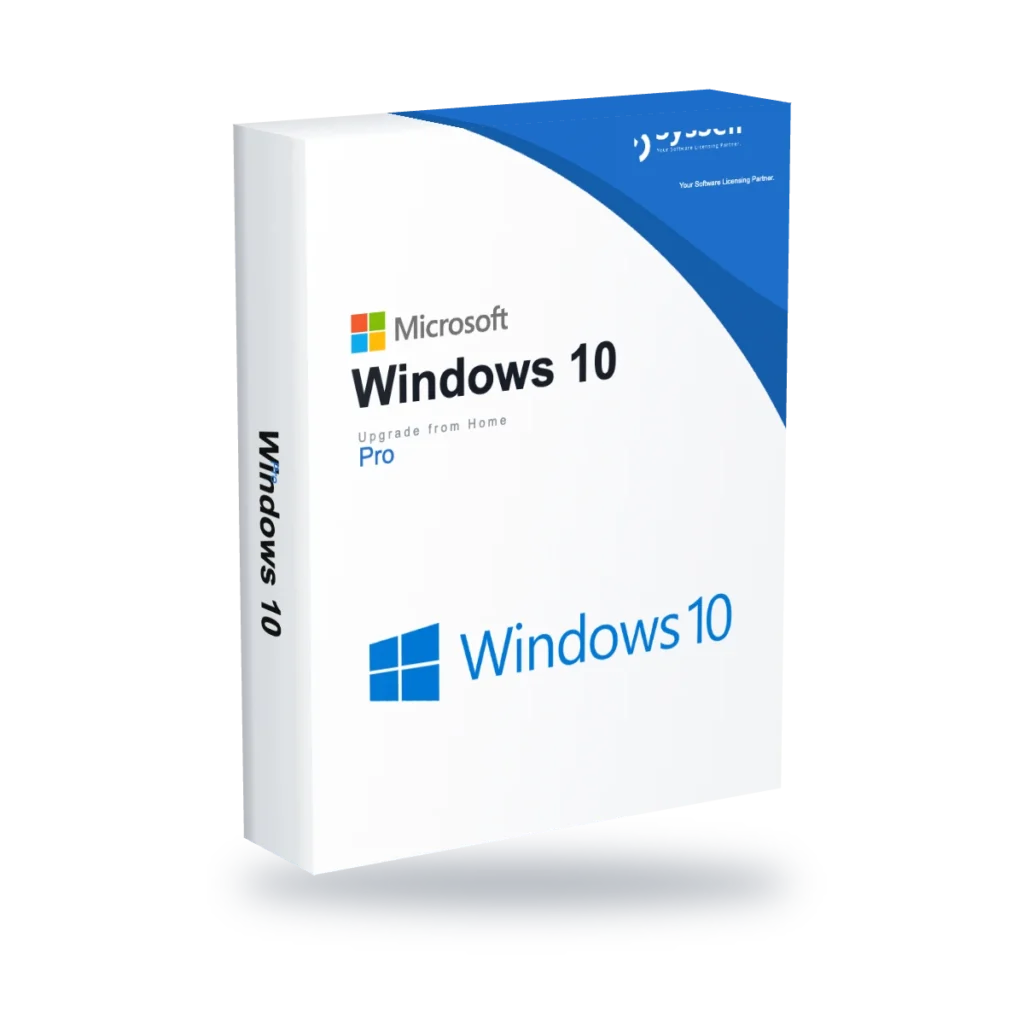
Windows 10 Home to Pro Upgrade – Lifetime Licence

Details:

  • Upgrades in place — no reinstall, no data loss
  • BitLocker drive encryption
  • Remote Desktop into this PC
  • Join a domain or Azure AD
  • Hyper-V virtual machines

In Stock

$120.99 $41.99 Save 65%

Instant digital delivery — your key is emailed in minutes, no physical shipping.

  • Delivered in seconds
  • Free expert support
  • Money-back guarantee

Secure payment

  • Visa
  • Mastercard
  • American Express
  • Diners Club
  • Discover
  • Stripe

Description

Unlock Pro features on your current PC

Already running Windows 10 Home? This upgrade key switches your PC to Windows 10 Pro in a few minutes, keeping your files, apps and settings exactly where they are. You get BitLocker, Remote Desktop, domain join and the other Pro tools straight away.

Key features

  • Upgrades in place — no reinstall, no data loss
  • BitLocker drive encryption
  • Remote Desktop into this PC
  • Join a domain or Azure AD
  • Hyper-V virtual machines

Delivery & activation

  1. Your product key is emailed to you and saved in your account.
  2. Download Windows from Microsoft’s official website (Media Creation Tool or ISO) — our email links to it.
  3. Enter the key during setup, or later in Settings › System › Activation › Change product key.
  4. Windows activates online. The licence is permanent — no subscription.
System Requirements

  • An activated Windows 10 Home installation
  • Internet connection
  • Enter the key in Settings › Update & Security › Activation › Change product key

Check compatibility

Ensure your system meets the requirements before purchasing.

How delivery works

Instant delivery via email with full instructions.

Frequently asked questions

Have questions? Read our FAQ for quick answers.