









What our customers say

Great 132 reviews

Jason Jewell Verified

“Good experience! No problems loading the software and initiating the program.”

Robert Lema Verified

“UPDATE - I activated my QB 2024 Desktop Update - since my previous post writing that I could not activate QB 2024, I spoke with a QB support person and got a sense of what was really preventing me from activating QB 2024. I thought that QB did not have a working password for my older files and so was locked out. BUT I found the password and activated the software! I had downloaded and installed the QB 2024 software, but could not activate because my Quickbooks account shows an old install of QB 2012 that is labelled as ACTIVE and I could not change the status of that label. I thought I could only have one instance of QB active. Not true. So, it's installed and activated!”

Andy Lee Verified

“Very prompt is processing orders and request, good team”

Art Wiens Verified

“Took a while to get my Canadian version activated. But finally got the help I needed and then went smoothly.”

Great See reviews

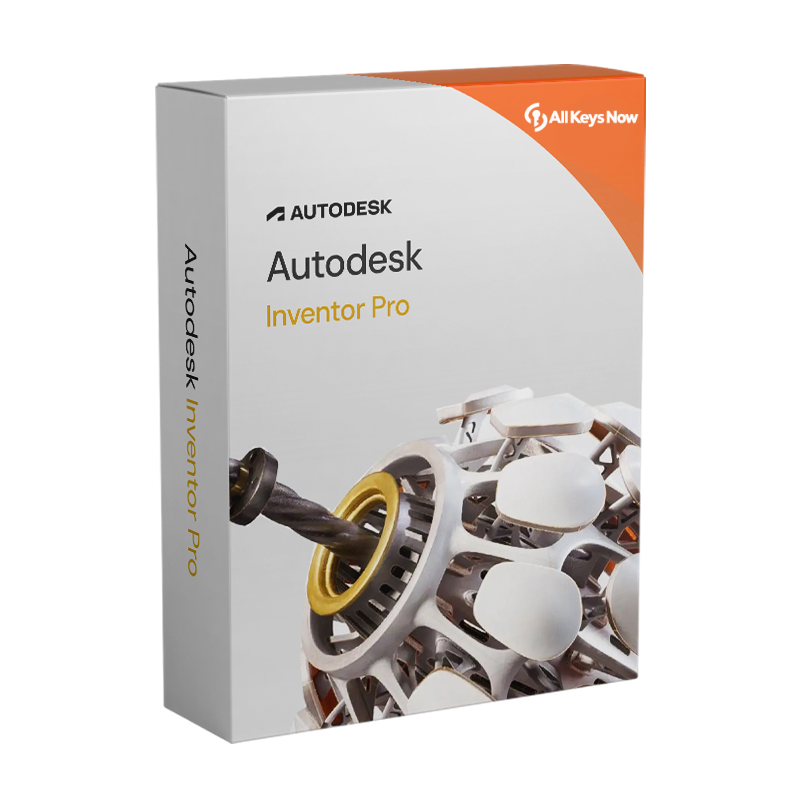
Autodesk Inventor Professional for Windows – Subscription

Details:

  • Parametric part and assembly modelling
  • Sheet metal, frame and tube-and-pipe design
  • Stress and dynamic simulation
  • Routed systems (cables and harnesses)
  • 2D drawings and BOM

In Stock

From $69.99

Instant digital delivery — your key is emailed in minutes, no physical shipping.

  • Delivered in seconds
  • Free expert support
  • Money-back guarantee

Secure payment

  • Visa
  • Mastercard
  • American Express
  • Diners Club
  • Discover
  • Stripe

Description

Professional 3D mechanical design

Inventor Professional provides parametric 3D CAD for product design, engineering simulation and manufacturing documentation. Choose the version and subscription term that suit you.

Key features

  • Parametric part and assembly modelling
  • Sheet metal, frame and tube-and-pipe design
  • Stress and dynamic simulation
  • Routed systems (cables and harnesses)
  • 2D drawings and BOM

Choose your plan

Version: 2024, 2025, 2026, 2027. Duration: 1 year, 3 years.

Delivery & activation

  1. After checkout we assign the subscription to the email address you give us (your Autodesk account).
  2. Sign in at Autodesk’s official website and download the software from your account.
  3. Open the app and sign in with the same account — no key to type in.
  4. The subscription runs for the term you chose from the day it’s assigned.
Additional information

Version

2024, 2025, 2026, 2027

Duration

1 year, 3 years

System Requirements

  • Windows 10 or 11 (64-bit)
  • 2.5–2.9 GHz processor (3+ GHz recommended)
  • 16 GB RAM recommended (8 GB minimum)
  • 10 GB+ free disk space (SSD recommended)
  • DirectX 12 graphics card with 4 GB VRAM recommended
  • 1920 × 1080 display
  • Autodesk account and internet connection

Check compatibility

Ensure your system meets the requirements before purchasing.

How delivery works

Instant delivery via email with full instructions.

Frequently asked questions

Have questions? Read our FAQ for quick answers.